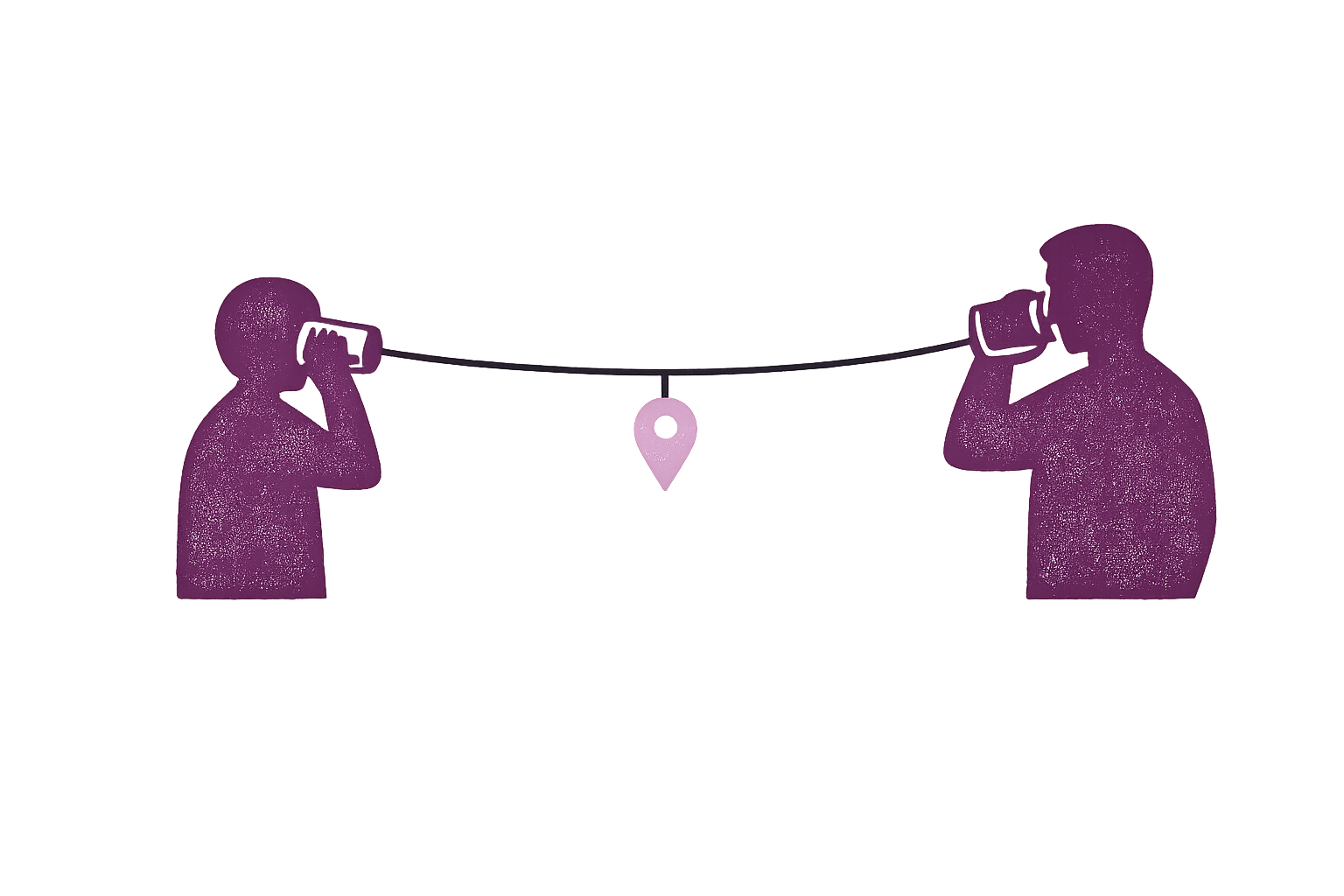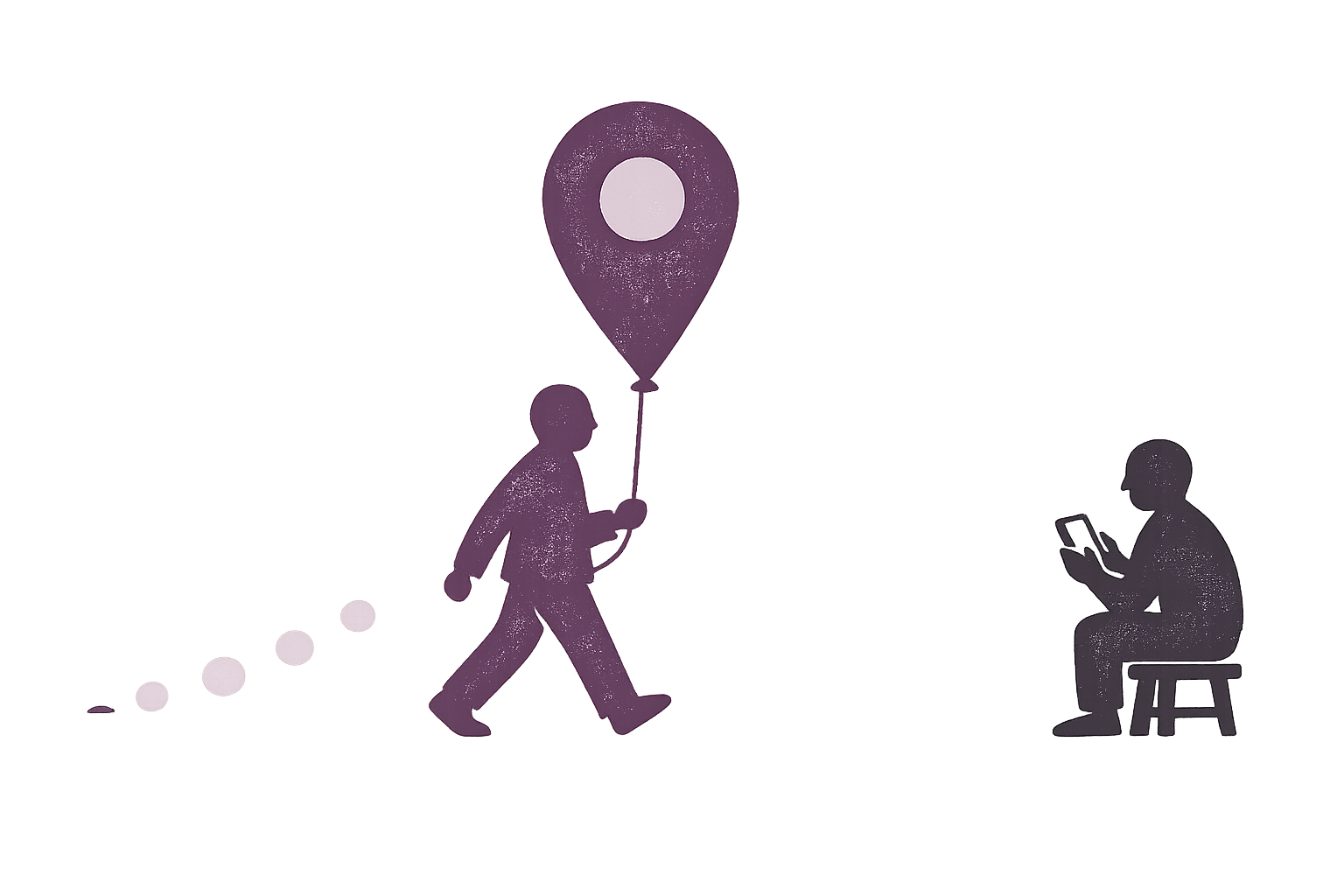
Live location sharing lets people you choose follow your position on a map as you move, for as long as the share runs. Your phone works out where it is, an app sends that position over the internet, and the app on the other person’s phone moves your dot. A location pin is different: it shows one place, once, and never changes.
Apple calls this Live Location and Google calls it real-time location. Both names oversell it a little. The other person sees a series of updates, not a video feed, so your dot can be minutes old, and it can be in slightly the wrong place.
Live location vs a location pin
| Live location | Location pin | |
|---|---|---|
| What it shows | Where you are, updated as you move | One place, from the moment you sent it |
| When it ends | At the time you chose, or when you stop it | Nothing to end, because it never updates |
| Needs a connection | For every update | Only to send it |
If someone only needs to find a place, send a pin. If they need to find you while you’re on the move, that’s what live sharing is for. Our guide to temporary vs always-on sharing covers how long to leave it running.
How it works
- Your phone works out where it is. GPS is only part of this. iPhones and Android phones also use Wi-Fi networks and cell towers, which helps indoors, where walls can block satellite signals.
- An app bundles that position with other details. These can include the time, your battery level, your speed and your direction.
- The update travels over the internet. It normally passes through the app company’s server on the way. Google lists an active internet connection as a requirement for its Location Sharing.
- The other person’s app moves your dot. If the app shows when that update arrived, it’s worth reading.
How live is “live”?
Less live than it sounds. The Apple and Google help pages we read don’t say how often a share refreshes. Google says only that Maps “periodically refreshes your position” on the map.
The limit is mostly battery. Android’s developer documentation warns that near real-time location over a long period makes battery life significantly shorter. So both systems ration what apps can do when they aren’t on screen:
- On Android, a background app gets a new location only a few times an hour. An app can get more by running visibly, with an ongoing notification. Google says that if you turn off Maps’ location update notifications, your shared location stops refreshing.
- On iPhone, a third-party app generally needs Always permission to keep sharing while closed. Apple’s low-power option, significant-change monitoring, is built around moves of 500 metres or more, and apps shouldn’t expect it more than once every five minutes. Apps can ask for more regular updates, at a higher cost in power. Google also advises against swiping Maps away on iPhone, because that shuts the app down and stops it updating properly.
So treat the dot as where someone was at the last update. If you’re meeting on a street corner, that’s plenty. If you need to know where they are this second, call them.
Why the dot can be wrong or stuck
The position is off. GPS.gov says GPS-enabled smartphones are typically accurate to within about 4.9 metres (16 feet) under open sky, and that accuracy gets worse near buildings, bridges and trees. So a dot on the house next door doesn’t mean anyone is next door.
The position is old. The phone may have no signal or a dead battery, or battery-saving settings may be holding the app back. A dot that has stopped can mean nothing at all, and a phone call will tell you more than the map will. Our guides for iPhone and Android list the fixes.
What people get besides your dot
A live share usually gives away more than your position:
- Google says the people you share with can see your name, profile picture, real-time location and battery status, and that shared info may include where you’ve recently been. Maps may also show whether you’re walking or driving.
- Apple says people following your Live Location can get a sense of your direction and speed, and that everyone in a group message can see a location shared there.
- Alerts often come with it. On iPhone, the people you share with can set arrival and departure notifications. Google lets you choose, person by person, whether they can create notifications about you.
Companies are involved too. Apple says that when you and your friend are both on iOS 17 or later, your location isn’t accessible to Apple. Google says it processes your location to provide its location sharing. Our piece on who can see your location goes through the rest of the list.
Where you already have it
- iPhone: Live Location is in Find My and Messages. Both of you need an iPhone with iOS 15 or later. Our iPhone guide has the steps.
- Android: you can share from Google Maps, Find Hub or Google Messages, and Samsung phones also have Samsung Find. Our Android guide has the steps.
- One of each: Google Maps offers location sharing on both Android and iPhone. The person you share with needs a Gmail account, or you can send a link instead, which lasts up to 24 hours. Anyone who has that link can use it.
- Chat apps: many have their own version too.
Before you start a share
- Give it an end time if the reason has one. Apple’s and Google’s tools both let you choose how long to share.
- Look through your list now and then. On iPhone, open Find My and tap People. On Android, go to Settings → Location → Location services → Google Location Sharing.
- Ask who can read it. That includes the company running the app.
If sharing doesn’t feel like your choice, or someone seems to know where you are when you never told them, please talk to a local domestic abuse or victim support service before you change anything. The Safety Net Project, a US technology safety program, warns that changing your settings can alert the other person. If you’re in immediate danger, call your local emergency number.
Where Sodal fits
Sodal offers live location too. Your phone encrypts each update with a key only your circle holds, so our server can’t read your coordinates. It can still see who sent an update and when, whether a phone stayed put, arrivals at numbered places, and IP addresses. Your circle can see what you share with it.
Our dot isn’t especially quick. In normal sharing, the app sends at most one update a minute per circle. With the app closed on iPhone, you need to allow Always access, and updates come about once per 160 metres of travel. That suits “is everyone home yet?” better than following a car turn by turn, and the map shows how old each update is. Sharing stays on until you turn it off, with no timer today, so for a one-hour share, the tools already on your phone are the better fit.
On iPhone, street-name lookups go to Apple. On most Android phones, Google will be in the same position.
Sodal hasn’t launched yet. The iPhone app comes first, and Android will follow, but it isn’t built yet. Our code isn’t public and no outside firm has reviewed it, so how we built it is our own account of our own work.
FAQ
Does live location sharing work without internet? Normally not. Some newer phones can send updates by satellite where that’s available: iPhone 14 or later in Find My, and Pixel 9 series phones (except the 9a) and newer on supported carriers. Google limits its version to five updates in 24 hours, at least 15 minutes apart, and only to people you already share with. That’s closer to sending the odd pin than to a live share.
Is live location the same as location history? No. Live location is where you are now, and history is a record of where you’ve been. The line can blur, though. Google says shared info may include where you’ve recently been, and many location apps keep a longer record, so check what an app stores.
Does closing the app end a live share? Don’t count on it. Closing an app can stop updates, but the share usually stays in place. Apple says that if you delete Find My, people you’ve shared with can still see your location. Google says that changing the location permission for Google Maps or Find Hub doesn’t stop or pause Location Sharing, and neither does Incognito mode. To end a share, stop it for that person.
Live location is useful as long as you remember what the dot is: the last thing a phone managed to report. Check how old it is, and if it matters, call.