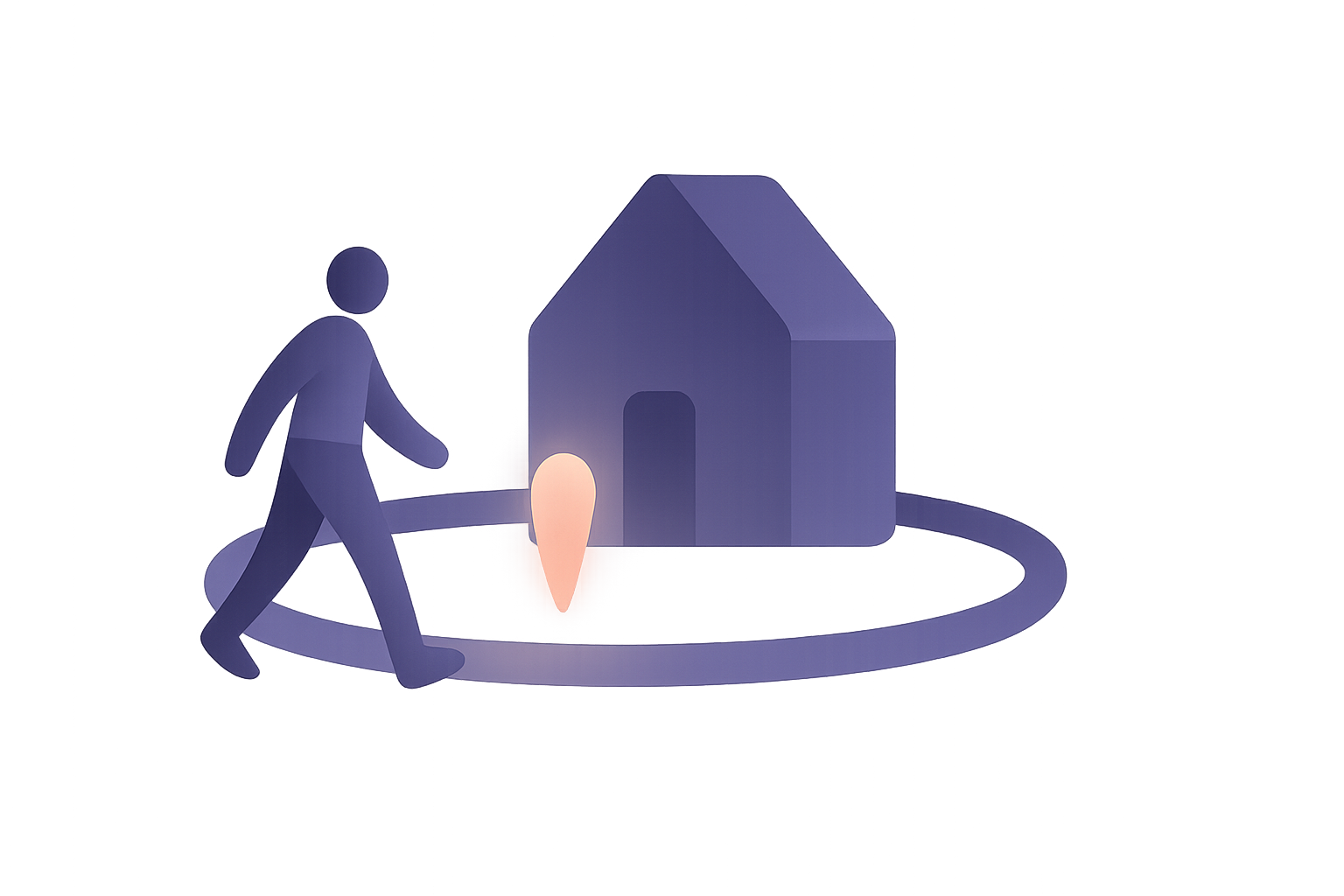
A location alert tells you when someone arrives at or leaves a place you’ve chosen — home, school, the office, grandma’s — without anyone having to watch a map. “Mia arrived at school.” “Dad left work.” It’s a single notification at the moment that matters, and for most families it’s what they actually wanted when they first asked for location sharing: not to know where everyone is all the time, but to know that they got there.
How these alerts are built decides how private they are. The deciding question is simple — is the place-checking done on the phone, or on a company’s server? — and it’s the one almost no app answers on its product page. This guide covers how location alerts work, why they sometimes arrive late, that privacy question, and how to set them up so they help rather than nag.
What a location alert actually is
Under the hood, a location alert is a geofence: a virtual circle drawn around a place. You pick the place and a radius; the phone watches for the moment someone crosses that circle’s edge, inward or outward.
- Arrival — the crossing is inward. “Arrived at home.”
- Departure — the crossing is outward. “Left school.”
That’s all it is. No continuous feed, no dot to follow. The phone quietly keeps an eye on a short list of boundaries and speaks up only when one is crossed.
Modern phones are designed for exactly this. Both iPhone and Android can watch a geofence even when the app isn’t open, waking it briefly when a boundary is crossed — which is why a well-built alert works at the end of a school day without anyone remembering to open anything.
Why an alert beats watching the map
There’s a reason the alert, not the live map, is the feature people keep.
The reassurance is an event, not a feed. What you want at 3:40pm is one fact: they made it. A live map gives you that fact surrounded by a stream of other facts you didn’t need — and invites you to keep looking.
Watching creates worry it can’t settle. A dot that hasn’t moved in twelve minutes means nothing — they’re at the bus stop, the phone is in a locker, the signal is weak — but on a map it looks like something. Alerts flip that. Silence means nothing has happened yet; a notification means something has.
Less data, same peace of mind. An arrival alert carries one place and one moment. A live trail carries every street in between. If the goal is “did they get home,” the alert achieves it with a sliver of the information — which also means a sliver of the exposure, and a far easier conversation with a teenager. (Trust holds up better than tracking, and alerts are on the right side of that line.)
That’s the same principle as safety without surveillance: answer the question you actually have, and collect nothing more.
The question that decides privacy: where is the place checked?
Every location alert has to compare a person’s position against a place. That comparison can happen in one of two locations, and they lead to completely different privacy outcomes.
On a server. Your phone streams its location to the company, and the company’s computers check it against your list of places, then send the alert. For this to work, the server needs to know where everyone is, continuously, and it needs to know where all your places are — your home address, the children’s school, the clinic. A geofence evaluated on a server is a live-tracking system with a notification bolted on.
On the phone. The phone holds the list of places, the operating system watches the boundaries locally, and only when a crossing happens does the phone send a single message — “arrived at Home” — to the people in your circle. Done this way, there’s no continuous location stream to anyone, and if that one message is end-to-end encrypted, the provider never learns the place, the person, or the moment. It carries a sealed note between family members and nothing else.
Both versions produce the same notification on your screen. Only one of them requires a company to know where your children are all afternoon. It’s worth asking any app directly: does your server see my location to send arrival alerts?
The list of places is sensitive too
People think of the location as the private part. The list of places is nearly as revealing.
“Home.” “School.” “Dad’s flat.” “Physio.” “Grandma — care home.” A family’s saved places are a compact map of its life: where the children sleep and study, where a separated parent lives, which clinic someone visits weekly. Stored readable on a server, it’s an address book of your family’s most important locations — exactly what you’d least want in a breach.
The private version keeps that list encrypted, readable only by the circle that uses it, so the provider stores a sealed blob with no addresses in it. It’s the same reasoning behind location sharing with no readable history: the safest copy of sensitive data is one nobody else can open.
Why alerts are sometimes late — and how to make them reliable
Honesty matters here, because an alert that’s silently unreliable is worse than none.
- They aren’t instant. Phones conserve battery by checking boundaries efficiently rather than constantly, so an alert can land a minute or two — occasionally several — after the actual crossing. “Arrived” means “arrived recently,” not “arrived this second.”
- Small circles misfire. Phone location can wander by tens of metres, more in dense cities and inside buildings. A radius of roughly 100 metres or more is far more dependable than a tight circle around a front door.
- Boundaries flicker. Someone lingering right at the edge — a car park on the circle’s rim — can trigger a stream of arrive/leave/arrive. Good apps wait a moment before announcing; still, don’t draw a circle that splits the place you actually stand.
- Permission matters. Background alerts need the “Always” location permission on iPhone, or “Allow all the time” on Android. With “While Using,” the phone can’t watch boundaries when the app is closed.
- Power-saving mode can delay things. Low Power Mode and aggressive battery savers slow background work, including geofence checks.
- No signal, no delivery. The phone may detect the arrival on time and only be able to send it when it reconnects.
- The phone has to be there. An alert reports where the phone went. A phone left in a locker at school will cheerfully report that it’s still at school.
- Phones limit how many places an app can watch. Pick the few that matter rather than mapping the whole town.
None of this makes alerts untrustworthy. It means you should read them as good news when they come, and not as bad news when they’re a few minutes behind.
Sometimes the alert you want is the one that doesn’t come
Arrival alerts answer “did they get there?” They can’t, on their own, tell you “they should have been there by now and aren’t.” That second question — the missing arrival — is often the one that actually needs an answer.
The privacy-respecting way to cover it is to put the timer on the traveller’s side. The person heading out sets “I’ll be home by 11,” and if they haven’t arrived or cancelled by then, their phone sends the alert. Nothing has to watch them all evening; the check is only triggered by absence. On iPhone, Apple’s built-in Check In works this way between iPhones — it’s covered in our guide to every iPhone location-sharing method.
Setting alerts up so they help rather than nag
- Start with two or three places. Home and school, or home and work, covers most of the value. Every extra place is extra noise.
- Agree on them together. An alert set openly with the person it’s about is a family convenience; one set secretly is monitoring. Say it out loud: “you’ll get a notification when I’m home, and I’ll get one when you are.”
- Make it mutual. Parents’ arrivals are worth announcing too — it’s reassuring for kids, and it keeps the arrangement from feeling one-directional. Aging parents often appreciate seeing when their adult children got home just as much.
- Prefer arrivals to departures. “Arrived home” is reassurance. A stream of “left the house” notifications starts to feel like being watched.
- Mute what you don’t need. If an alert fires every weekday and you’ve stopped reading it, turn it off. The goal is a notification that still means something.
How to choose a location alert app
- Geofences checked on the phone, not by streaming your location to a server.
- The list of places encrypted, so addresses aren’t readable by the provider.
- Alerts delivered end-to-end encrypted to the circle.
- Open by design — everyone can see which places exist and who gets told.
- Mutual, with alerts for everyone in the circle, not just one direction.
- No permanent location history required to make alerts work.
- Sensible radius defaults and a pause before announcing, so you don’t get flicker at the boundary.
- Cross-platform — a family on mixed phones needs alerts from everyone.
FAQ
What are location alerts? Notifications sent when a person arrives at or leaves a place you’ve set — “arrived at home,” “left school.” They use geofences: virtual circles around places that the phone watches in the background, speaking up only when someone crosses the edge.
Do location alerts need constant tracking? No — not when they’re built well. If the phone checks the boundary itself and only sends a message when it’s crossed, nobody receives a continuous location stream. Apps that check geofences on their servers do need your location continuously, which is the version worth avoiding.
Why did my arrival notification come late? Phones check boundaries efficiently rather than constantly to save battery, so a delay of a minute or two is normal, and longer in power-saving mode, with weak signal, or right after the phone reconnects. Very small geofence circles also make timing less reliable.
Can I get an alert if someone doesn’t arrive? Arrival alerts alone can’t tell you about a missing arrival. For that, use a timer-based check-in that the traveller starts — if they don’t arrive or cancel by the set time, their phone sends the alert. Apple’s Check In does this between iPhones.
Is geofencing an invasion of privacy? It depends on how it’s done. Alerts set openly, mutual, checked on the phone, and encrypted in transit reveal very little — one place, one moment, to people you chose. Server-side geofencing that requires your continuous location and stores your places readably is far more invasive for the same notification.
What radius should I use for a geofence? Bigger than you’d think — around 100 metres or more. Phone location drifts, especially among tall buildings and indoors, so a tight circle around a front door misfires. Make sure the circle doesn’t cut through a spot where people regularly wait, like a car park.
The best location alert is the quiet one: no map to watch, no stream to anyone, just “they’re home” at the moment it matters. That’s how Sodal builds them. Your circle’s places are stored end-to-end encrypted, arrivals are detected on the phone itself, and the alert travels sealed to the people in your circle — so our servers never learn where home is, who arrived, or when.